Brash Apps

Awesome Files

Copy Google Drive™ Folders Faster with Awesome Files

Duplicate files, folders, and entire Drive structures in just a few clicks. Preserve permissions, keep your workflow organized, and let Awesome Files handle the copying process in the background.

How it works

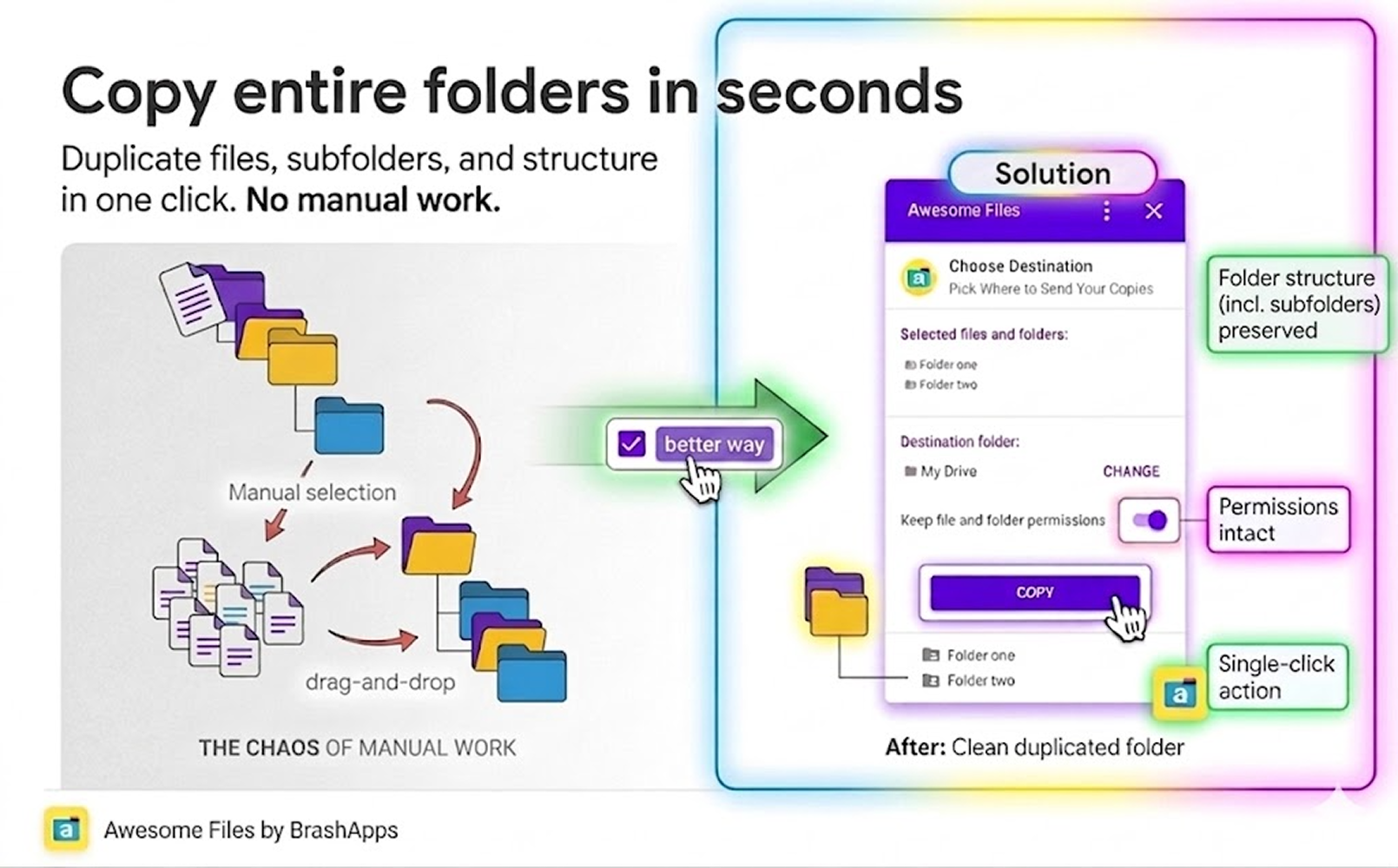
Awesome Files streamlines the process of copying folders in Google Drive™, including all files and permissions, without the need for downloading or manual copying.

SaaS3-shape3cCreated with Sketch.

Stop Copying Files
Manually


Open the Add-on and start selecting the folders and files in your Google Drive that you wish to duplicate. All files within the selected folders will be automatically included in the copy process.

The Fastest Way to Copy Google Drive Content

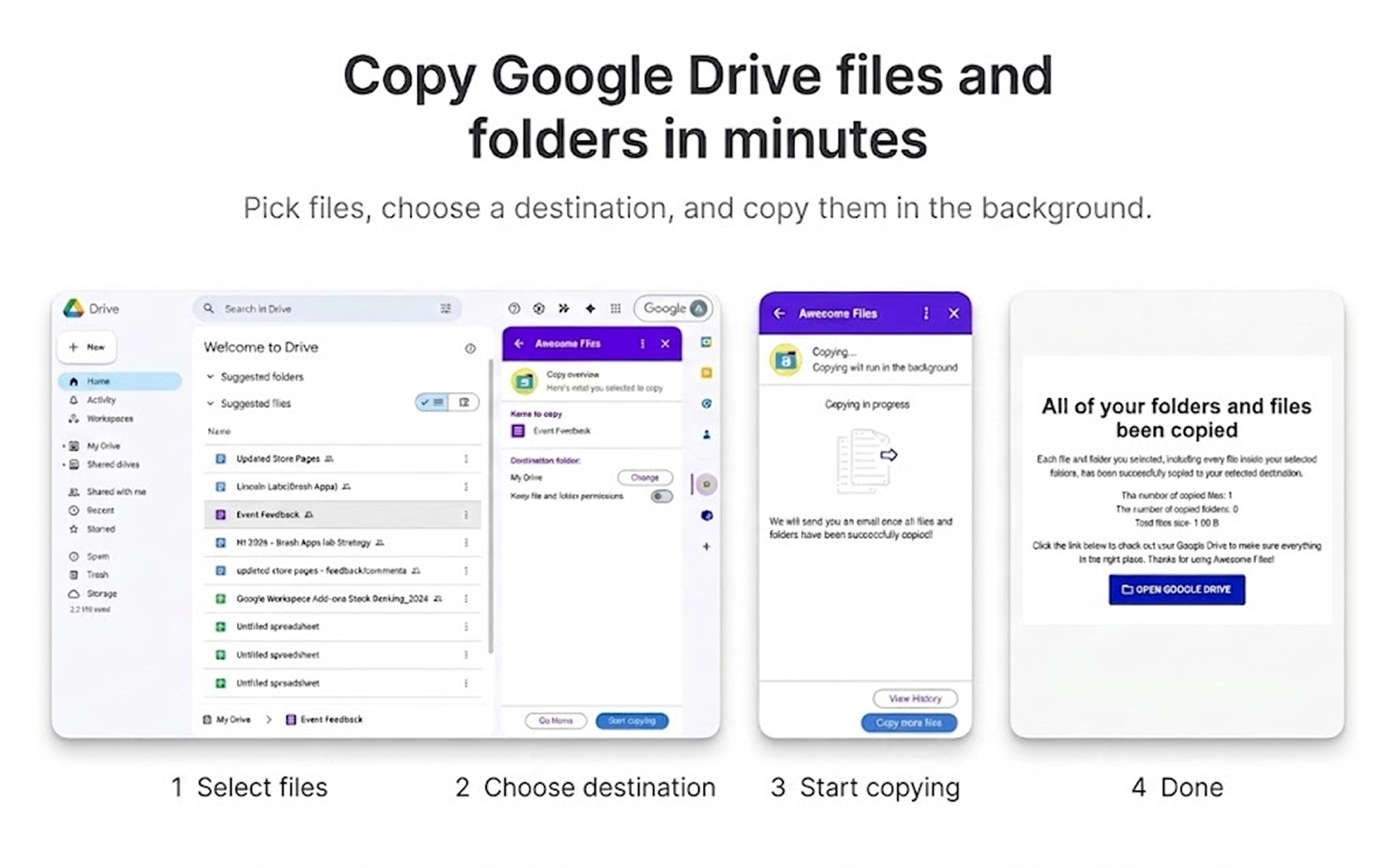
Copy Google Drive files and folders faster and with less manual work. Select your files, choose a destination, and let Awesome Files handle the copying process in the background.

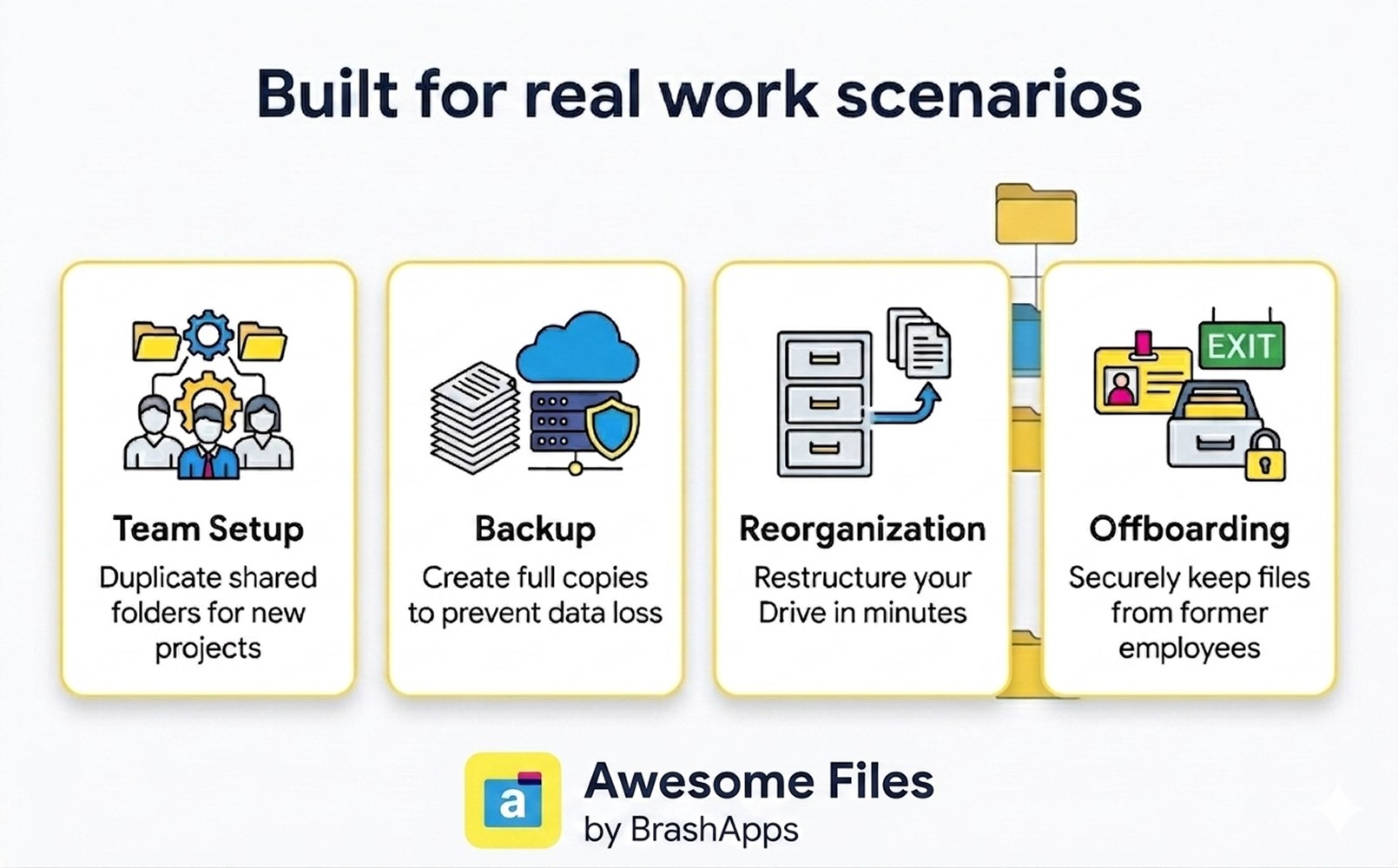
Built for Teams, Backups, and Large-Scale File Management

From onboarding new teams to securing company data, Awesome Files helps businesses quickly copy, organize, and manage Google Drive content for everyday operational workflows.

Frequently asked questions

Can I select multiple folders at once?

Yes, you can select as many folders as you need to copy.

Can I maintain the same permissions on my folders and files after copying?

Absolutely, Awesome Files gives you the option to keep the same permissions.

How long does the copying process take?

The duration depends on the size and number of files, but rest assured, it won't take long.

Will I be notified when the copying is complete?

Yes, you will receive an email notification once the copying is successfully completed.

Do I need to stay on the app while copying is in progress?

No, the copying happens in the background. You can close the app and do other things.

Is there a limit to the number of files I can copy?

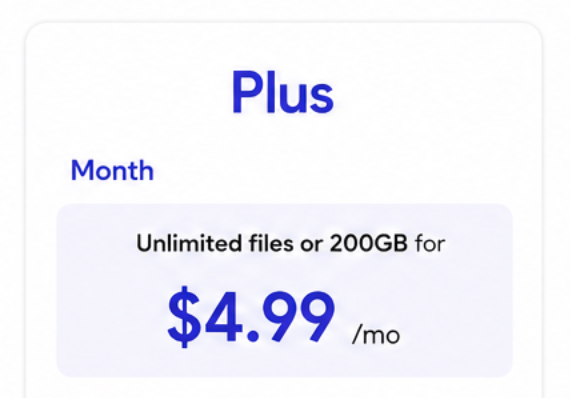
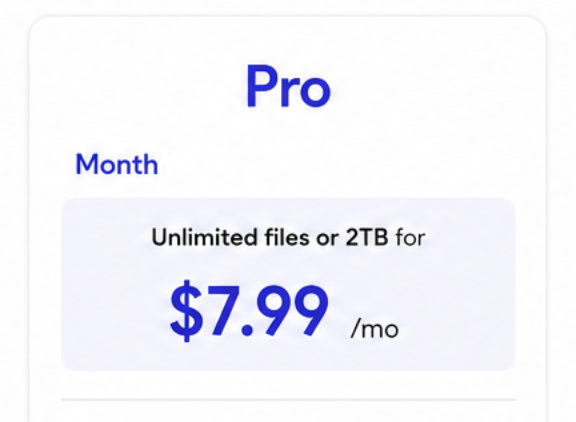
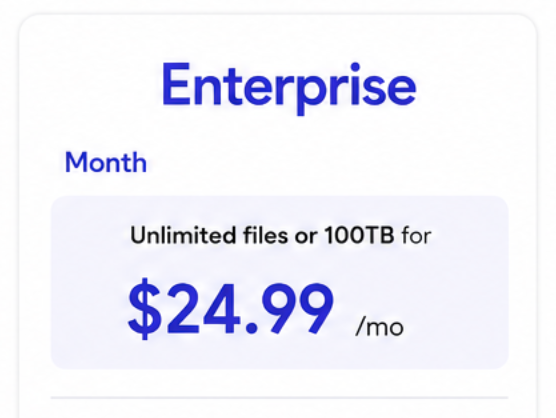
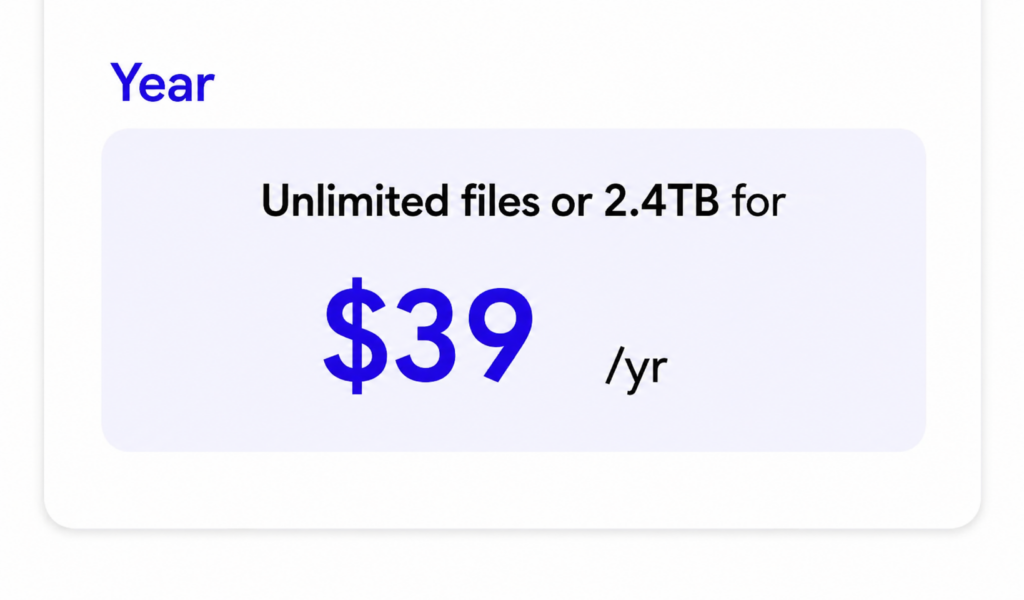
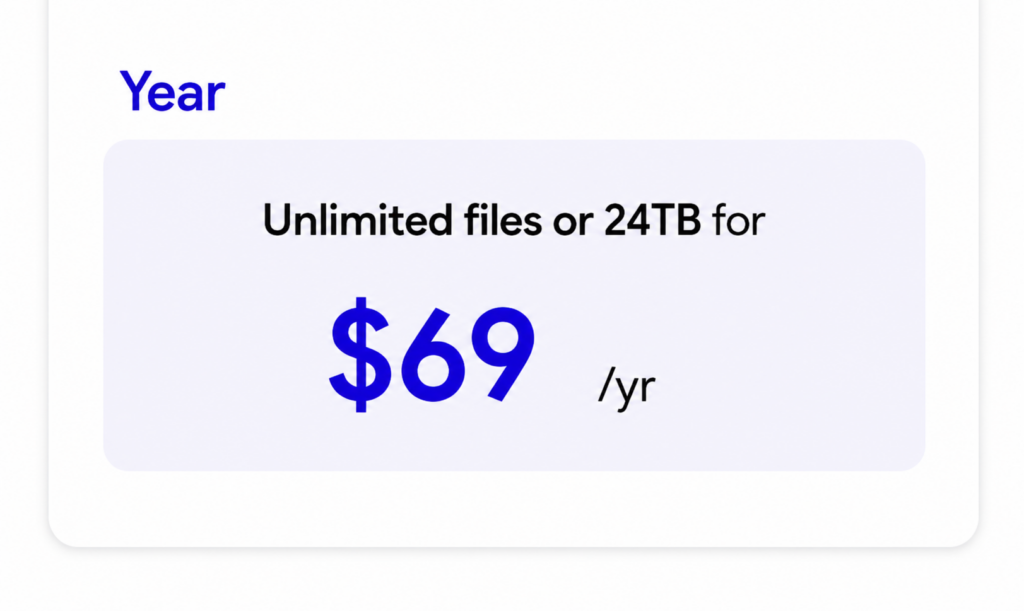
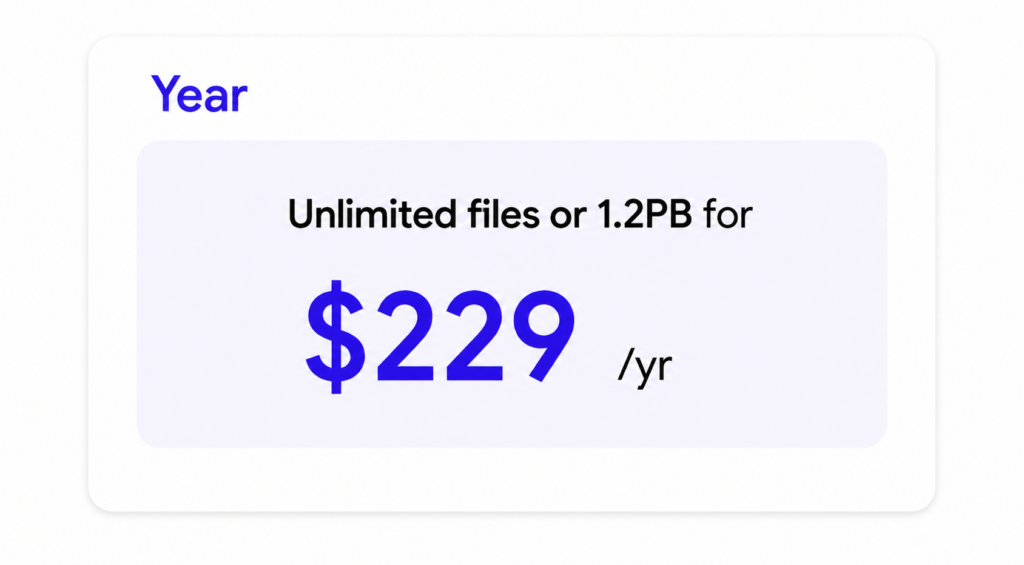
With Awesome Files, you can copy unlimited files. However, the free version has some technical constraints, especially when copying large files simultaneously. We're developing a premium version to eliminate these limitations.


Don't wait any longer

Install Awesome Files now and start effortlessly duplicating entire folders in your Google Drive™, including all files and permissions!