Docubox
DocuBox: Streamline Your File Sharing
Effortlessly receive files from clients directly into your Google Drive, without granting them access, using DocuBox.
How it works
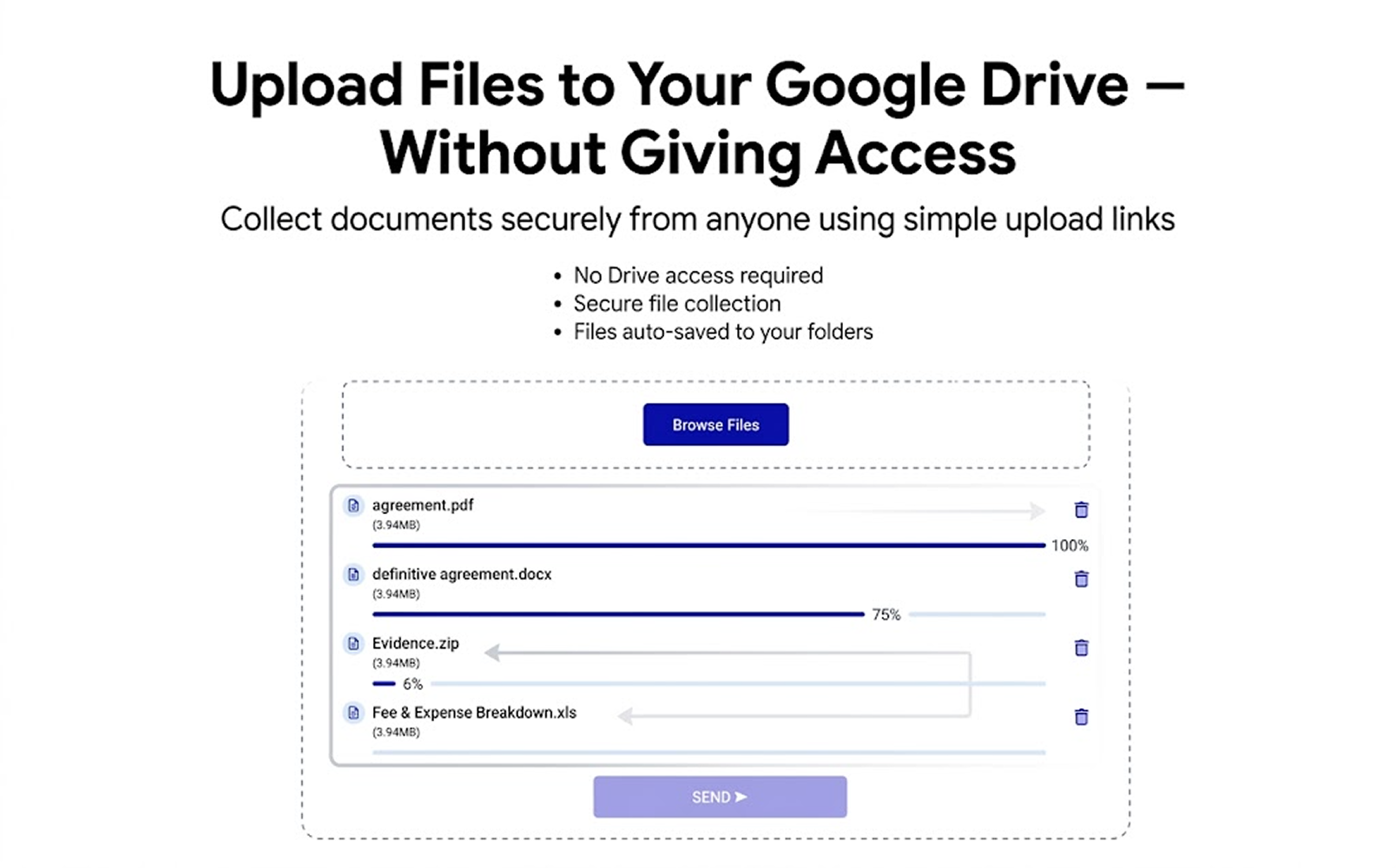
DocuBox simplifies file sharing by allowing clients to upload files directly to your Google Drive via a simple link, eliminating the need for email attachments.
Create Secure File Upload Requests
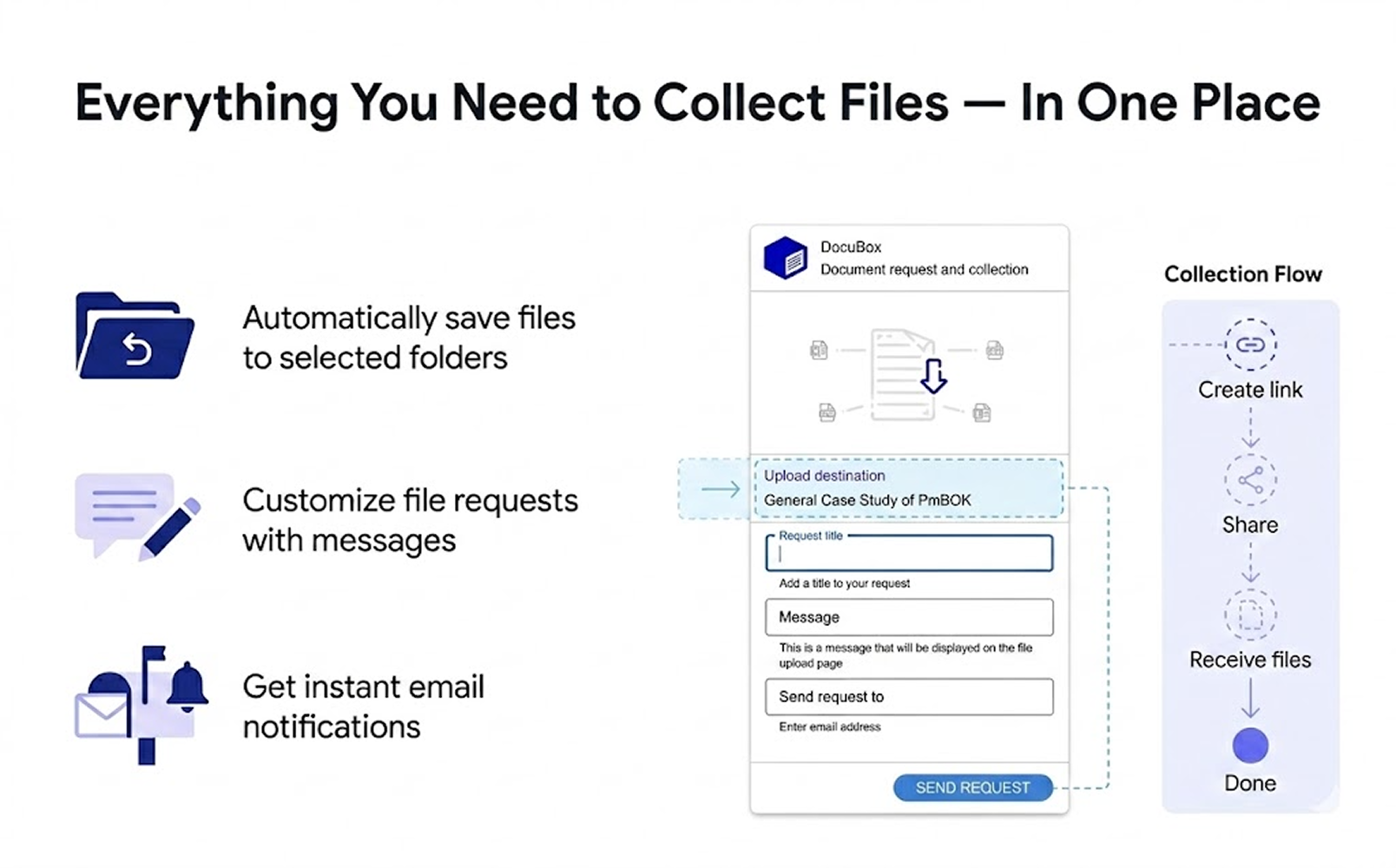
Set up upload requests in just a few clicks, choose a destination folder, and securely collect files directly into your Google Drive without giving access permissions.
Clients Upload Files in Seconds
Clients receive a secure upload request, drag and drop files through a simple upload page, and uploads are automatically saved to your selected Google Drive folders.

Keep Every Uploaded File Organized Automatically
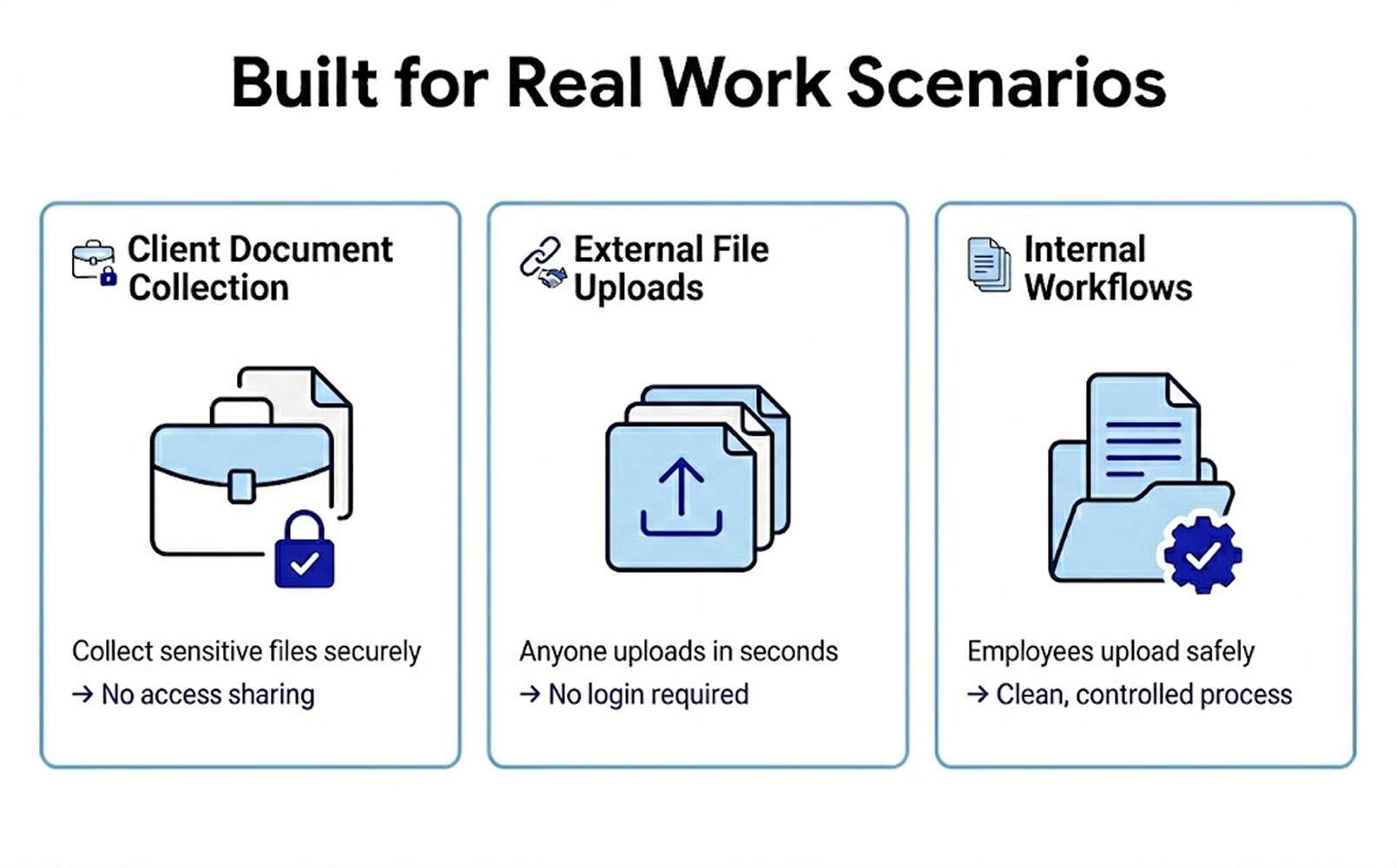
Collect files from clients, partners, or teams and automatically organize every upload inside your Google Drive folders without manual sorting.
Frequently asked questions
Do I need to give my clients access to my Google Drive?
No, DocuBox allows file uploads without granting access to your Drive.
Will I be notified when files are uploaded?
Yes, you'll receive an email notification when files are uploaded.
Can my clients upload multiple files at once?
Yes, clients can drag and drop multiple files for upload.
Can I choose where the uploaded files go?
Absolutely, you can select the destination folder when setting up your request.
Will my clients know if their upload was successful?
Yes, they'll receive a confirmation message once all files are sent.
Can I customize the request message?
Yes, you can add a personalized message to your request.