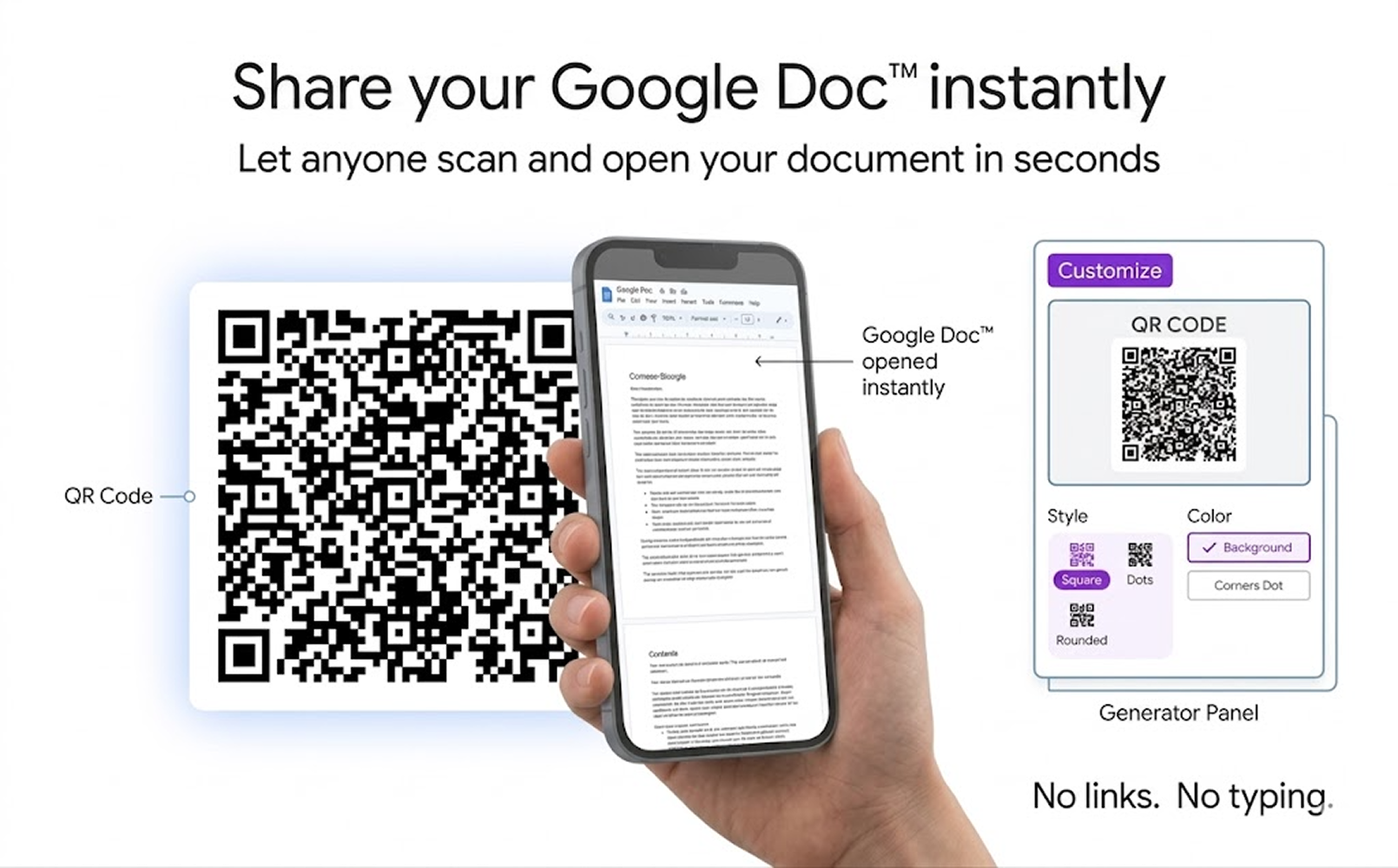
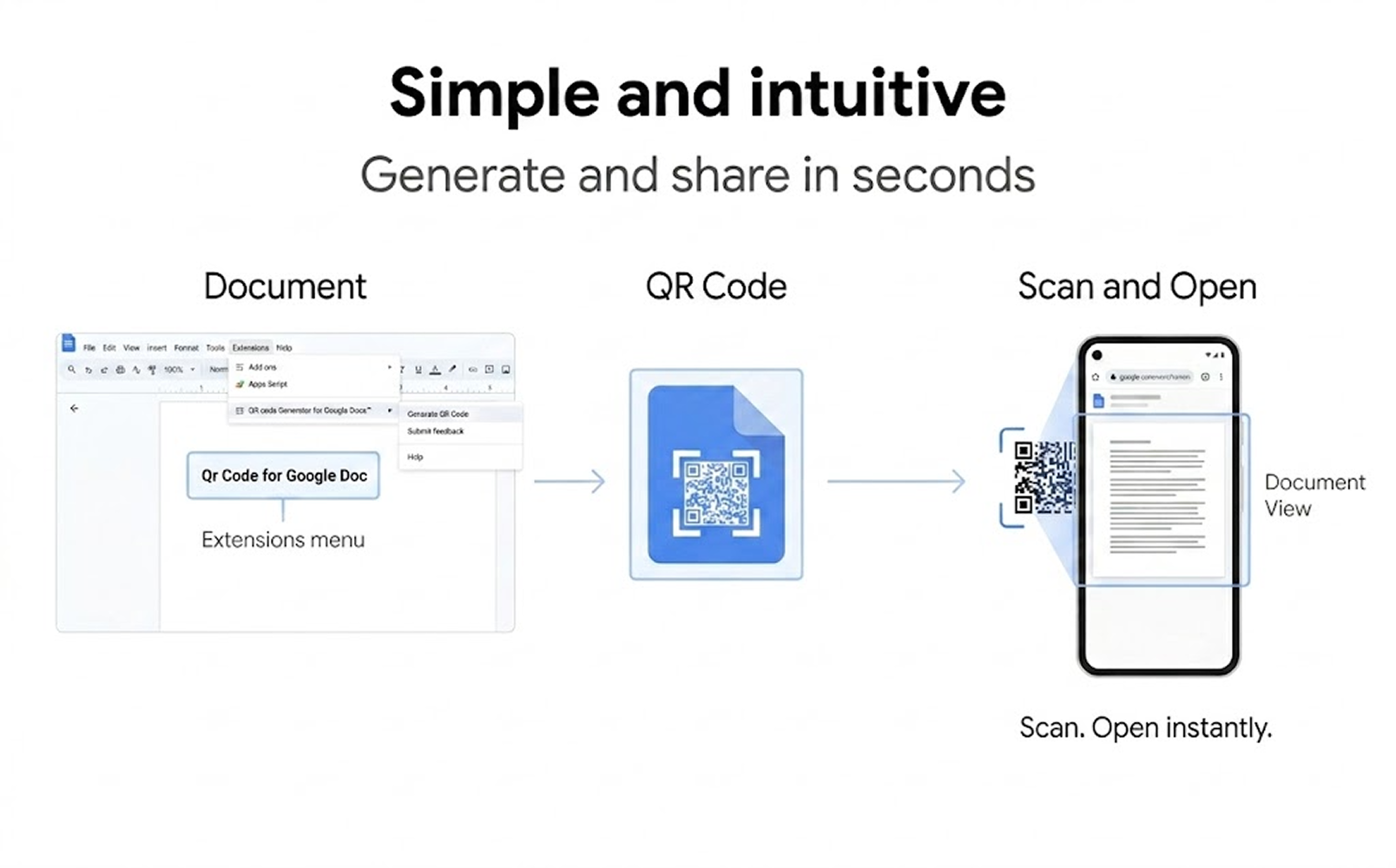
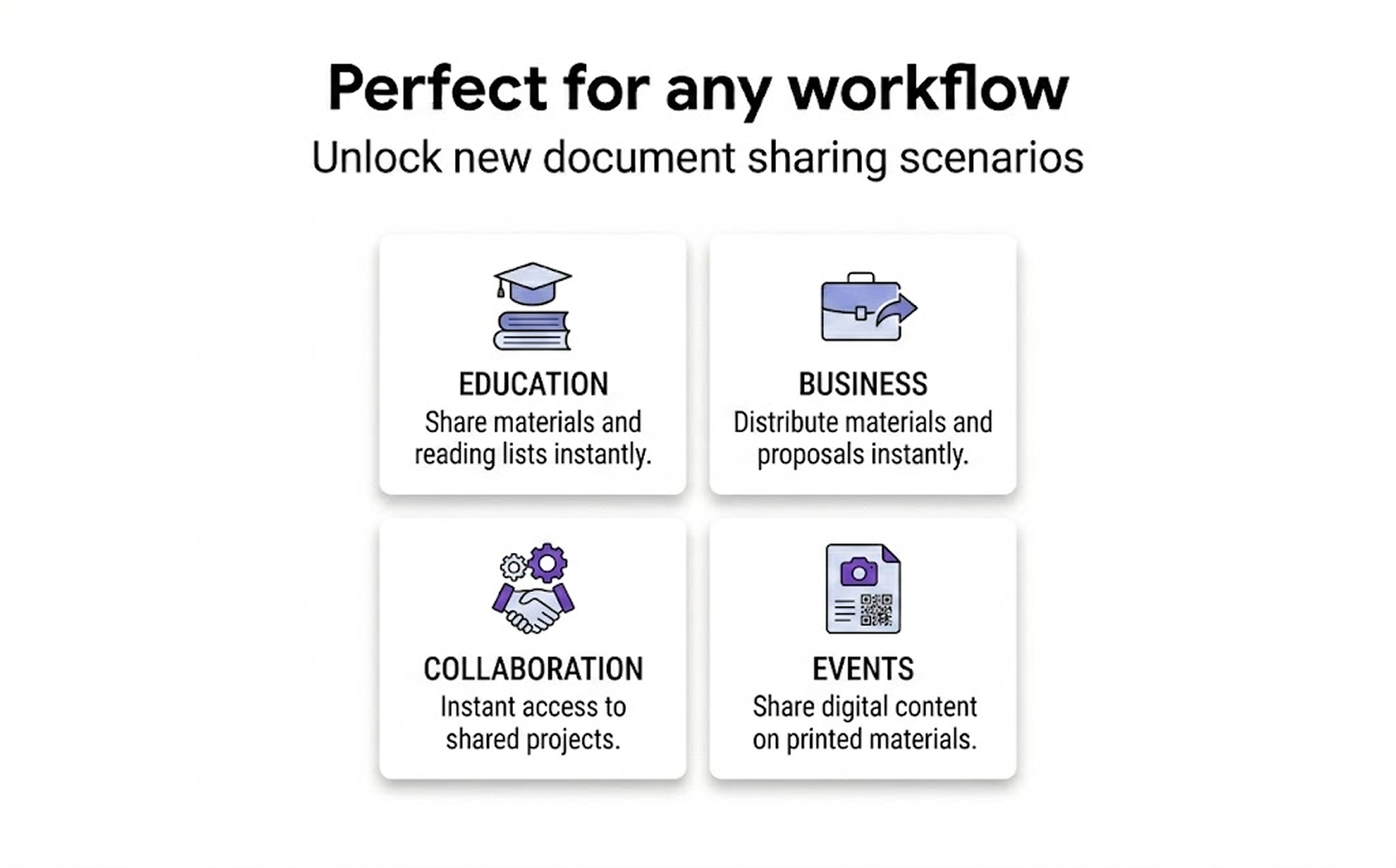
With QR code generator for Google Sheets™ add-on, you can now generate QR code images containing links to your Google Sheets™ in just a few clicks. This makes it easy to share your sheets with others, whether you're using them for educational purposes, business presentations, or conference talks.
Share Documents Instantly
Turn your Google Docs into scannable experiences by generating QR codes that can be instantly shared, downloaded, or printed.
Yes, this add-on is designed for Google Workspace.
Can I create QR codes for any Google Docs?
Yes, QR Code Generator for Google Docs allows you to do this. It allows you to generate codes for any Docs you have access to.
Will viewers need Google accounts to access my slides?
No, as long as the presentation's sharing settings allow public access, anyone can view it by scanning the QR code.
Can the QR code be scanned with any smartphone camera?
Yes, most modern smartphones can scan the QR code without requiring additional apps.
Is this a secure way to share Docs?
Yes, it's secure and respects your Google Docs sharing settings. You maintain full control over who can access your presentations. You can control whether viewers can edit, comment, or only view the presentation.
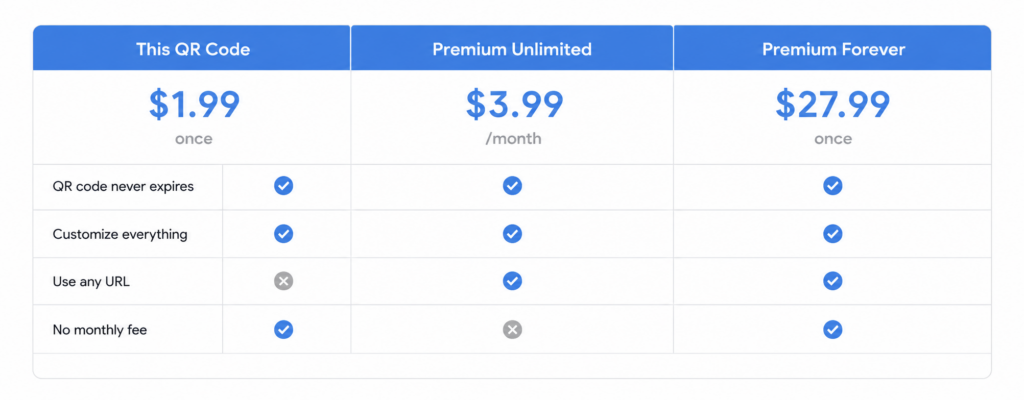
Is this add-on free?
It's free to use with certain paid 'extra' features.
Don't wait any longer
Bridge the gap between your presentations and your audience with QR Code Generator for Google Docs. Install the add-on today and streamline your presentation sharing process.