QR Code Generator For Google Slides™
Generate QR Codes Directly in Google Slides
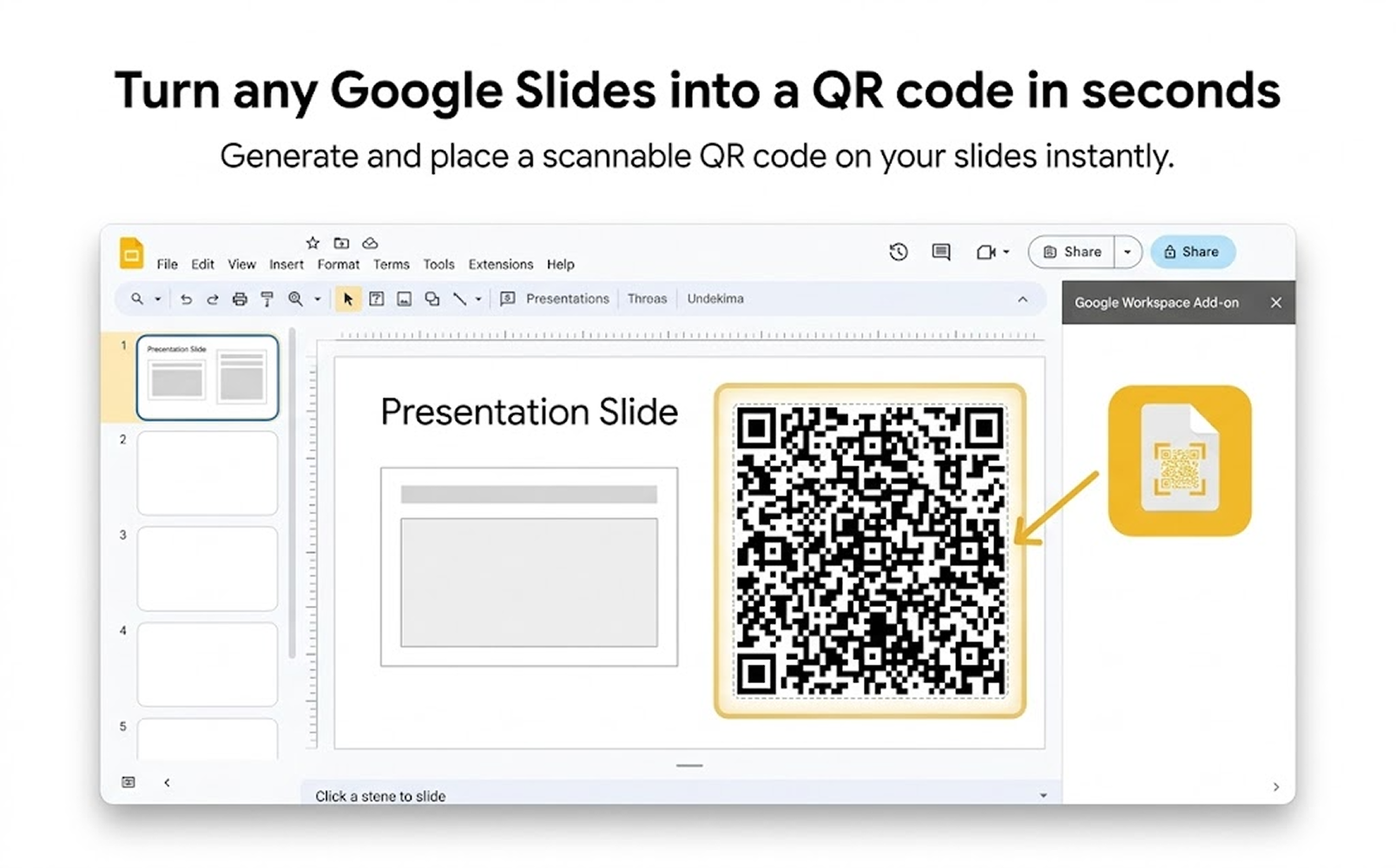
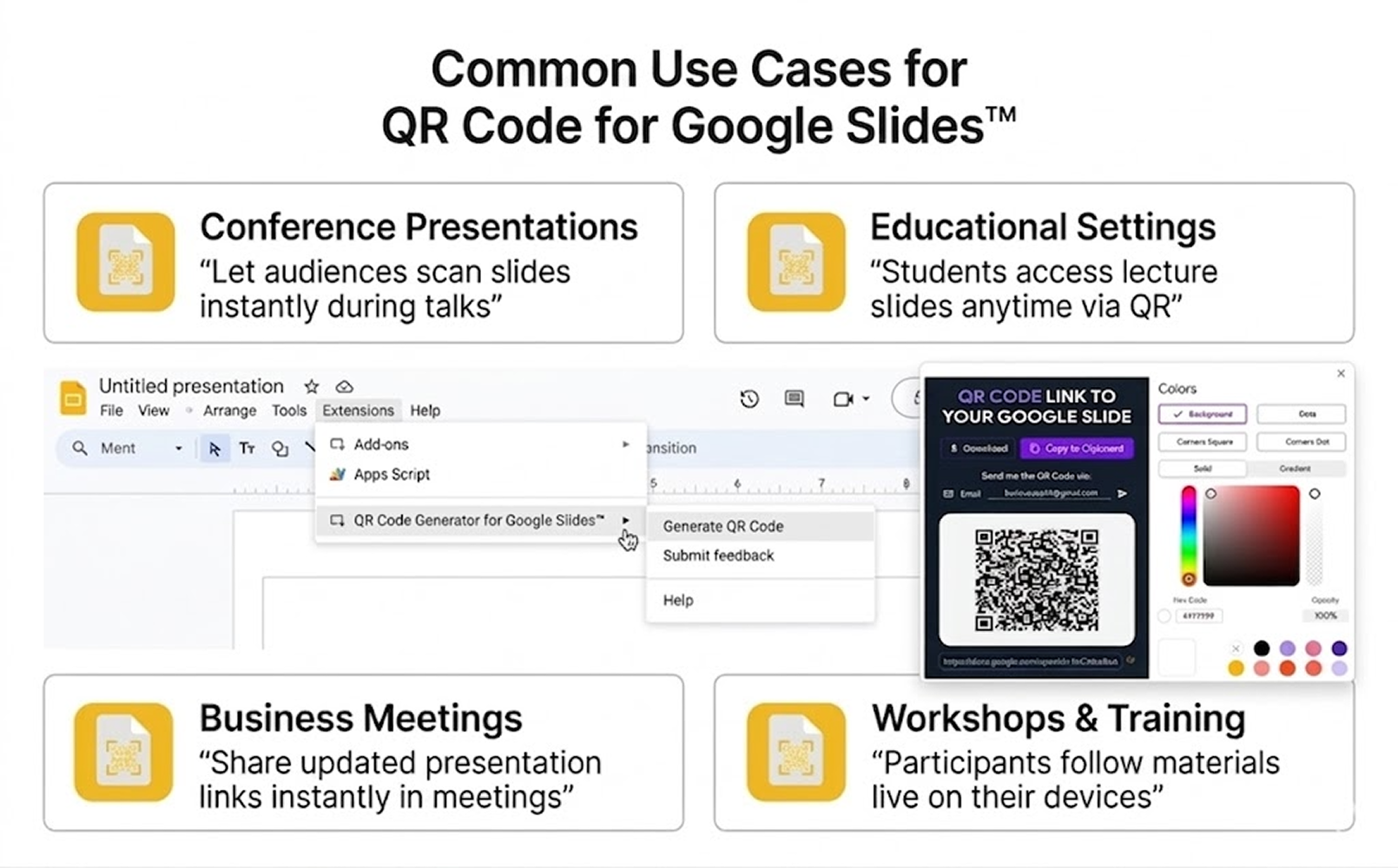
Create and insert QR codes into Google Slides in just a few clicks. Perfect for presentations, classrooms, events, marketing, and workshops.
How it works
With QR code generator for Google Slides™ add-on, you can now generate QR code images containing links to your Google Slides™ presentations in just a few clicks. Generate, customize, and share QR codes directly inside Google Slides to make presentations more interactive and accessible.
Generate QR Codes Directly in Google Slides
Add customizable QR codes to your slides instantly and make your presentations easier to share, access, and interact with.
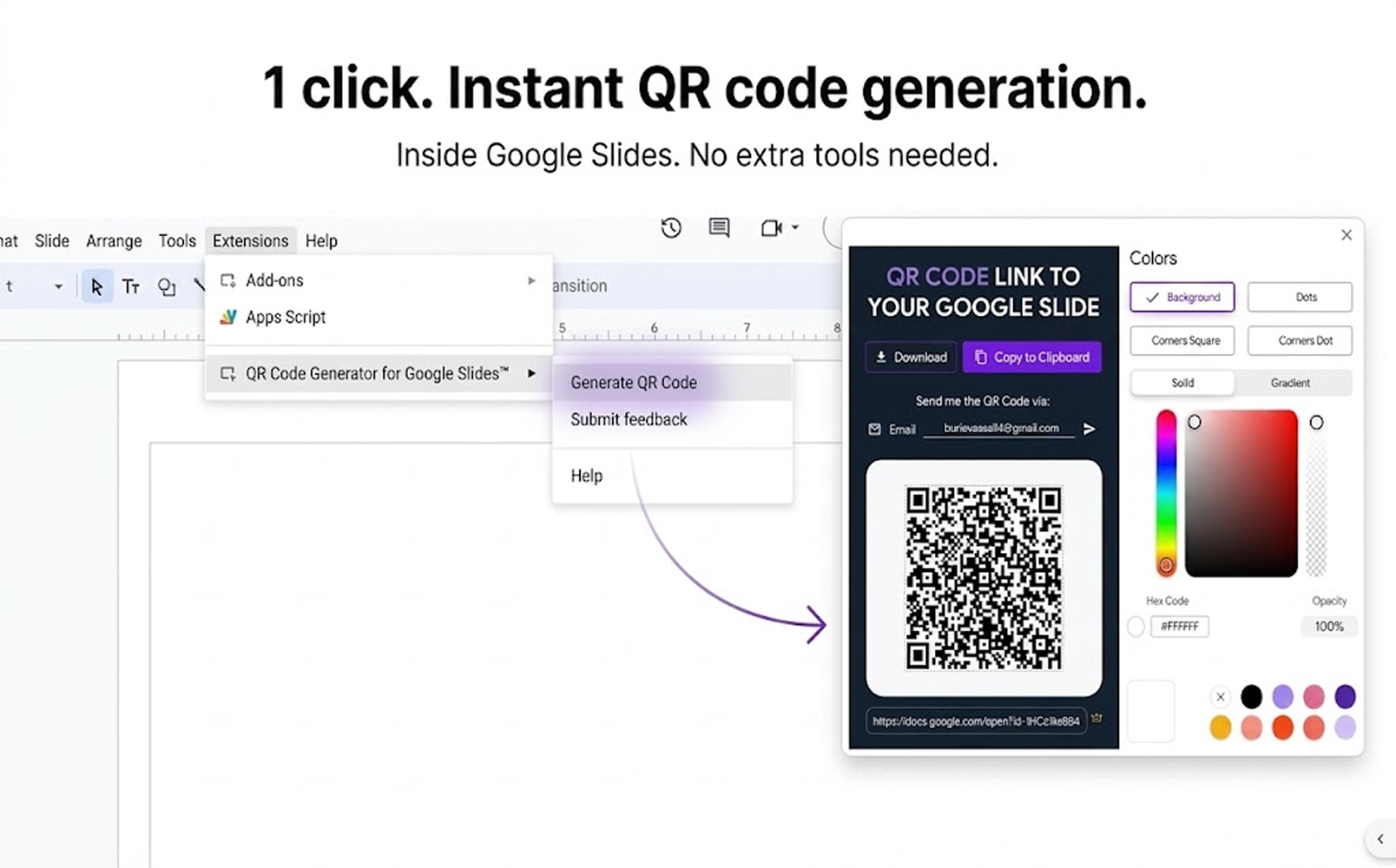
One Click. Instant Sharing.
Open the add-on inside Google Slides, generate a QR code for your presentation link, customize its appearance, and instantly place it on your slide.
Faster Access for Every Audience
Once you've generated your QR code, you can share it with anyone who needs to access your Google Slides™ presentation. They can simply scan the QR code with their smartphone camera and they will be taken directly to the presentation.
Frequently asked questions
Do I need Google Workspace to use this add-on?
Yes, this add-on is designed for Google Workspace.
Can I create QR codes for any Google Slide?
Yes, QR Code Generator for Google Slides allows you to do this. It allows you to generate codes for any presentation you have access to.
Will viewers need Google accounts to access my slides?
No, as long as the presentation's sharing settings allow public access, anyone can view it by scanning the QR code.
Can the QR code be scanned with any smartphone camera?
Yes, most modern smartphones can scan the QR code without requiring additional apps.
Is this a secure way to share presentations?
Yes, it's secure and respects your Google Slides sharing settings. You maintain full control over who can access your presentations. You can control whether viewers can edit, comment, or only view the presentation.

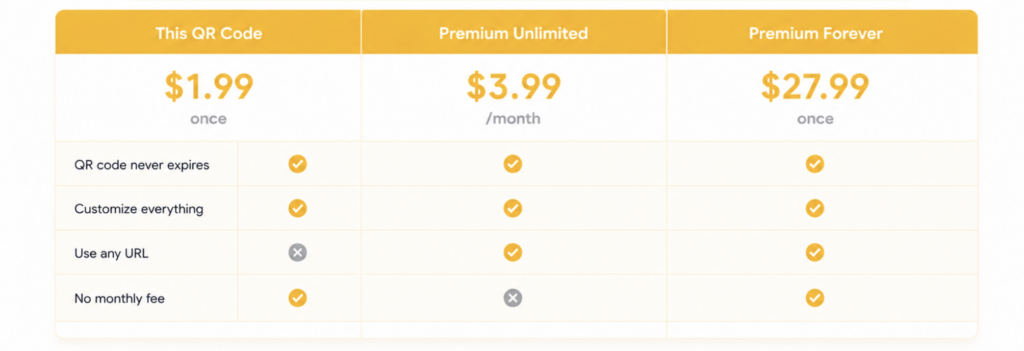
Is this add-on free?
It's free to use with certain paid 'extra' features.